
I’ve been fortunate enough to be given access to a early adopters feature called “Generative Pages”.
This is vibe-coding for Power Apps!
Generative pages provide you the ability to create fully functional pages in your model-driven apps by using natural language. You describe what you want to achieve, the tables you need to use or provide it with an image of what you want the page to look like.
The system will then process your input and generate a react web page. This can be iterated through via the chat experience.
Please note that you need to join the Early Adopter Program – (https://aka.ms/PowerAppsEAP) to request participation in the program.
There are a few pre-requisites and limitations which are detailed in the joining instructions if you are fortunate enough to be accepted but some to mention are table limits, language, geo-availability, user capacity, ALM Support and the editing of generated code.
Demo Time
- A Model-Driven app with the contacts and accounts tables will be used
- Once you have access to the feature you can create a new type of page.
Contact Gallery
In my first example I am going to use this prompt:
I want you to display the Contact data in a card based gallery on the left of the screen. On the right of the screen I want you to create a filter based on the column Address 1 City column and the Account that the contact is assigned to. If they don’t have a city or account populated then it should be an option called “Empty” in the combobox.
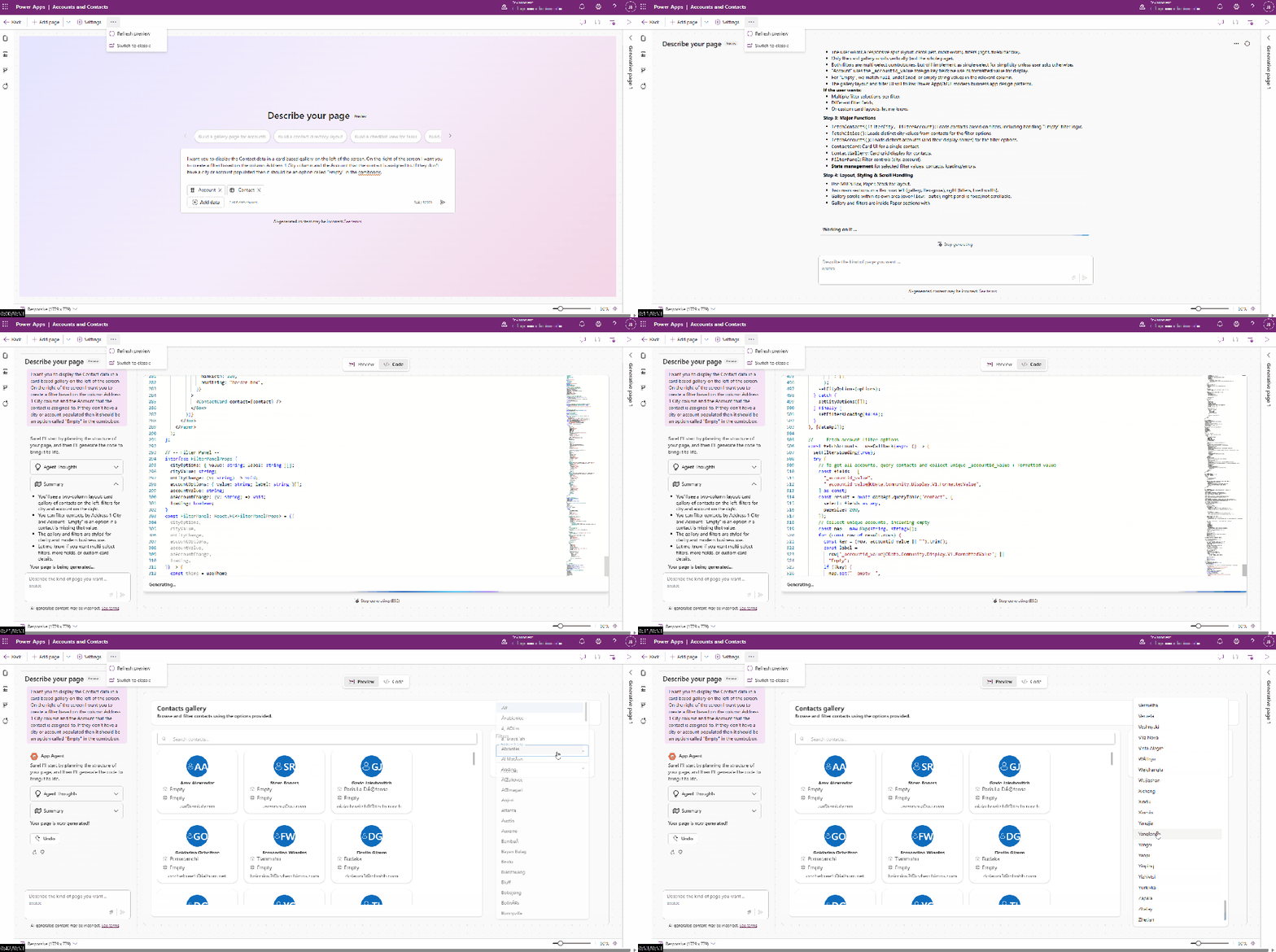
Within seconds this has taken my prompt and generated a page that allows me to view my search for my contacts and filter them by city or account. However, the page that was generated has a few issues.
- I wasn’t explicit in what data to show on the contact card. Therefore, this needs to be refined to only show their full name and email address.
- The filters are drop downs and aren’t combo boxes and can’t be searched.
Let’s use the window to refine the generative page that was created by getting the AI to update the filter options and the cards for the contact in a single request.
The filter boxes need to be combo boxes. They should allow you to search for the items that are returned.
You should also update the contact card to only display the full name and email address.
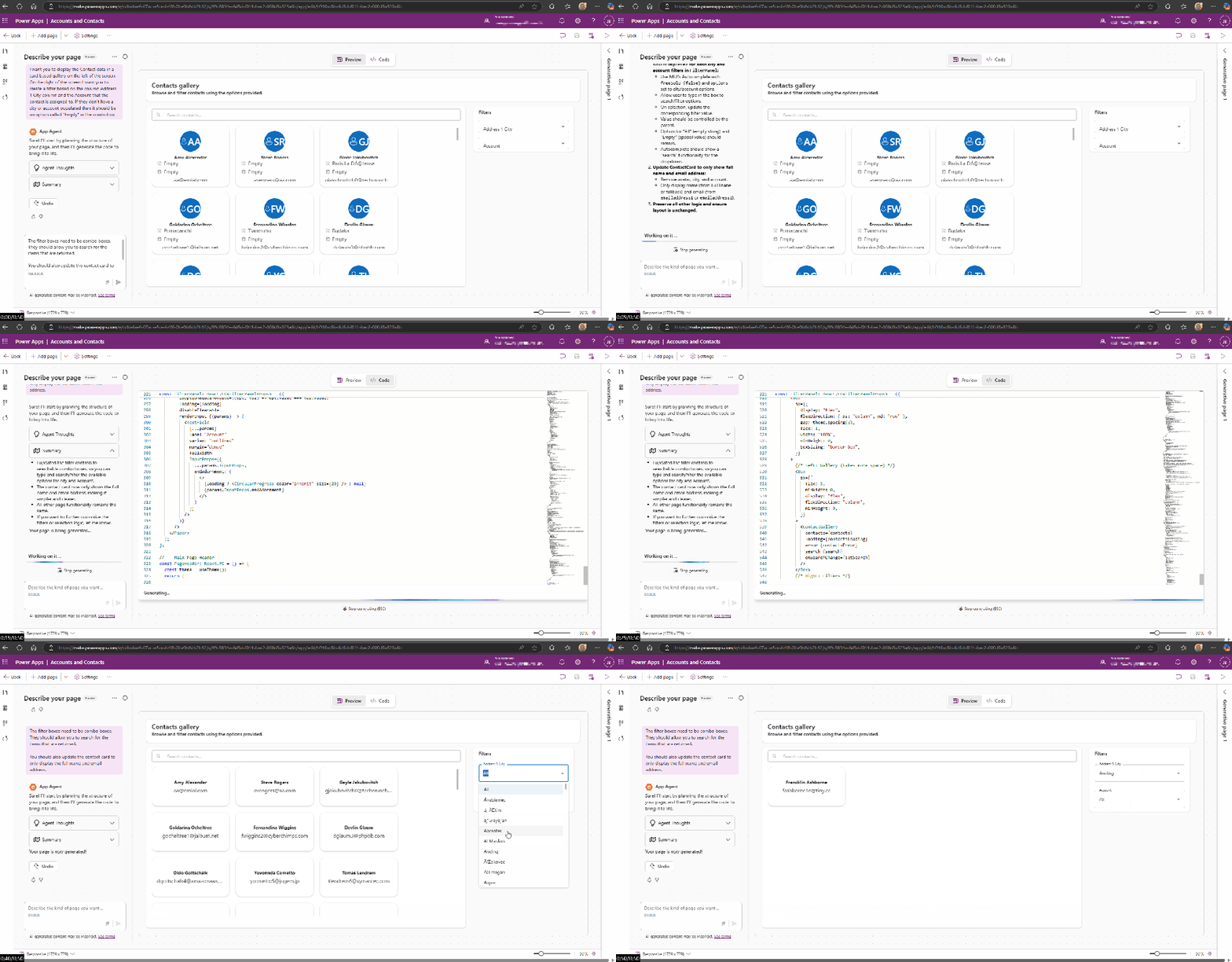
Within seconds the page has been refined and we now have a generative page that displays the Full Name and Email Address.

We have an issue whereby the Account filter isn’t displaying any data.

With several more prompts to the AI I now have a page that can search for contacts by name or I can use the address city or account they are associated with.

So, with additional prompts, I was able to get a generative AI page created that allows the user to:
- Filter based on Account or City,
- Search based on full name,
- Add a new contact,
- Delete a selected contact,
- Edit a selected contact.
I’m going to do some further investigation to see how far I can push generative pages while it is in early access and will keep you all updated on anything cool I find.
 JackBinnall